
.png)

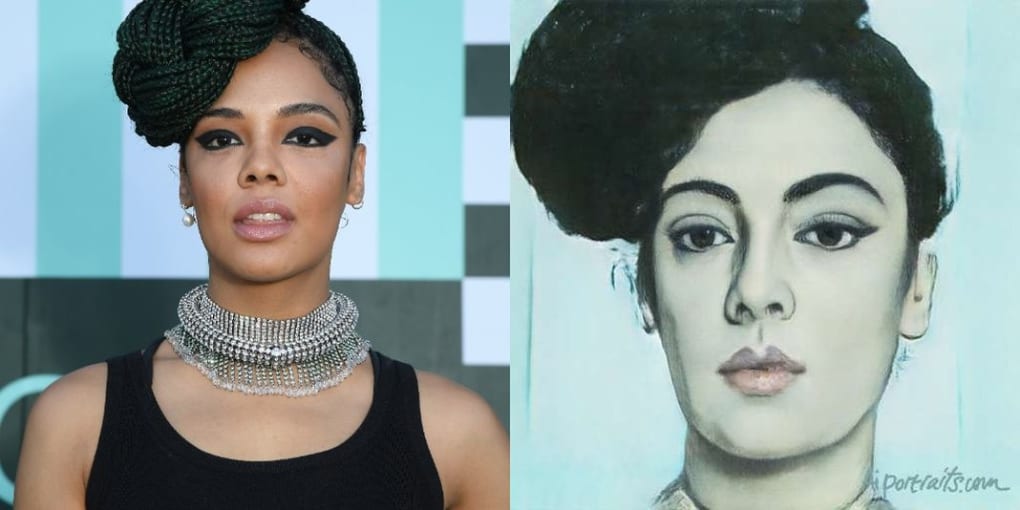
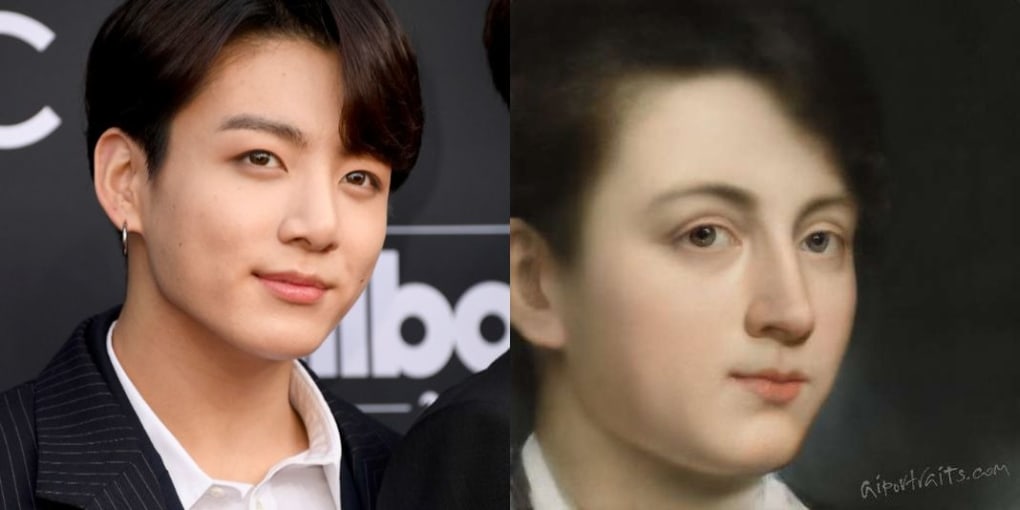
Description
Download AI Portraits – AI‑powered selfie app for stunning Renaissance‑style portraits
Overview
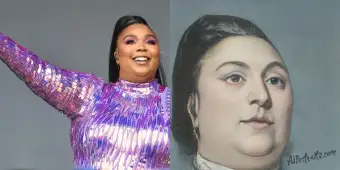
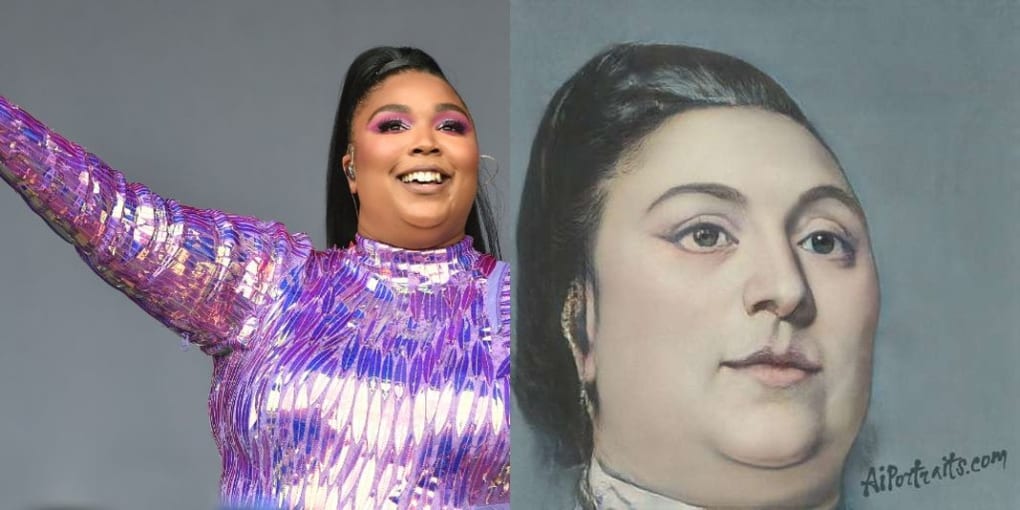
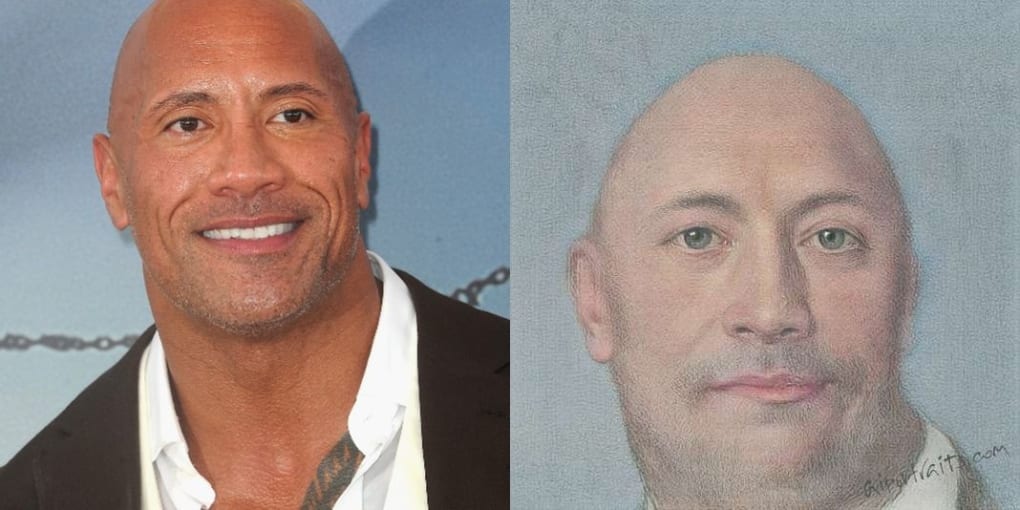
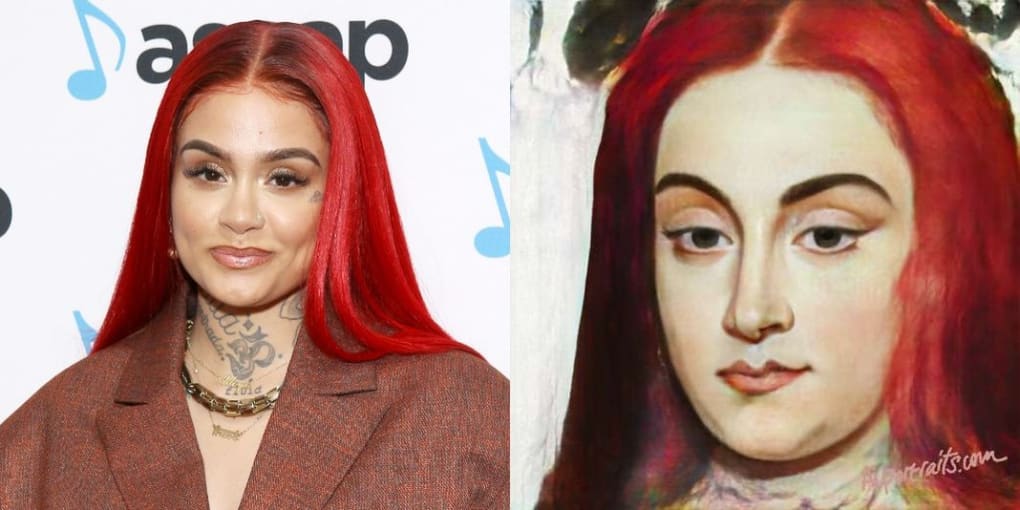
AI Portraits is a web‑based graphic and design tool that leverages cutting‑edge generative adversarial networks (GANs) to transform ordinary selfies into high‑resolution, Renaissance‑inspired artworks. Whether you need a polished headshot for a professional presentation, a captivating visual for social media, or a unique gift for a loved one, AI Portraits delivers a seamless experience: upload one or multiple photos, let the AI blend them into a single composition, and download the result as a JPEG ready for sharing on Twitter, Instagram, or any platform you choose. The app is built around a sophisticated neural model trained on famous 15th‑century masterworks, ensuring that each portrait captures the subtle chiaroscuro, texture, and depth that defined the era’s most celebrated paintings. While the final image may differ dramatically from the original photograph—intentionally so—it maintains a recognizable likeness, giving you a striking balance between authenticity and artistic reinterpretation. The service is completely web‑based, meaning no bulky downloads or installations are required; simply visit the site, upload your images, and watch the AI work its magic in seconds. For users who aren’t satisfied with the first result, the platform offers an instant “reset” button, allowing you to experiment with different photos or styles until you achieve the perfect portrait. In short, AI Portraits merges the nostalgia of classical art with modern AI convenience, providing a free, secure, and instantly shareable solution for creators, marketers, and everyday selfie enthusiasts alike.
Key Features
- AI‑driven style transfer: Utilizes GAN technology to emulate Renaissance painting techniques, including realistic lighting, brushstroke textures, and period‑accurate color palettes.
- Multiple photo blending: Combine up to three selfies into a single cohesive portrait, ideal for family or duo compositions.
- Instant high‑resolution output: Generates JPEG files at 300 dpi, perfect for prints, presentations, and high‑quality digital use.
- One‑click reset: Unsatisfied with the result? Restart the process with new images without losing your previous work.
- Social‑ready sharing: Directly share your AI portrait to Twitter, Facebook, or Instagram via built‑in sharing buttons.
- Secure cloud processing: All uploads are encrypted, processed on secure servers, and automatically deleted after 24 hours to protect privacy.
- Cross‑platform accessibility: Works on any modern browser—Windows, macOS, Linux, Android, and iOS—without additional software.
- Free tier with optional premium upgrades: Access basic portrait generation for free; upgrade for batch processing, higher resolution, and exclusive artistic filters.
Installation & Usage Instructions
Getting started with AI Portraits is deliberately frictionless. Because the service is delivered as a web app, there is no traditional “installation” process. Follow these steps to create your first AI‑enhanced portrait:
- Open a supported browser: Chrome, Edge, Firefox, Safari, or any Chromium‑based mobile browser on Windows, macOS, Android, or iOS.
- Navigate to the AI Portraits website: Enter https://www.ai-portraits.com in the address bar.
- Create a free account (optional): While you can generate a portrait without signing up, registering lets you save your creations, access premium filters, and receive updates on new artistic styles.
- Upload your photo(s): Click the “Upload” button and select one to three high‑quality selfies from your device. For best results, choose images with good lighting and clear facial features.
- Select a style: Choose from the default Renaissance filter or explore additional styles like Baroque, Impressionist, or Modern Abstract if you have a premium subscription.
- Generate the portrait: Press “Create”. The AI processes the input in 5‑15 seconds, rendering a full‑resolution JPEG.
- Review and refine: If the output isn’t perfect, click “Reset” to re‑upload different photos or adjust the style settings.
- Download or share: Use the “Download” button to save the image locally, or click the social icons to post directly to Twitter, Instagram, or Facebook.
Compatibility: Since AI Portraits runs entirely in the browser, it is compatible with Windows 10/11, macOS Catalina and later, Linux distributions with modern browsers, Android 9+ and iOS 13+. No additional plugins or extensions are required, making it an ideal solution for users who value speed and simplicity.
For power users, the platform also offers an API key (available with the premium plan) that allows integration into custom workflows, such as automated social‑media scheduling tools or digital asset management systems. The API follows standard REST conventions and returns base64‑encoded JPEG data, making it straightforward to embed AI Portraits into your own web applications.
Pros & Cons
Pros
- Free tier provides high‑quality portrait generation without hidden fees.
- AI model trained on authentic Renaissance art produces genuinely artistic results.
- No software download; works on any device with a modern browser.
- Fast processing time—most images render in under 15 seconds.
- Secure handling of user photos with automatic deletion after 24 hours.
- Easy social‑media sharing directly from the platform.
- Option to upgrade for higher resolution, batch processing, and exclusive styles.
Cons
- Limited customization beyond preset artistic styles; advanced users may desire more control.
- Free version imposes a daily generation limit (typically 5 portraits per day).
- Internet connection required; offline use is not possible.
- Processing quality can vary with low‑resolution or poorly lit source photos.
- Premium subscription needed for commercial usage rights and API access.
AI Portraits stands out in a crowded market of selfie‑enhancement apps by delivering authentic, museum‑quality art instead of simple filters. Its blend of speed, security, and artistic depth makes it a valuable tool for creators, marketers, and casual users alike. While the free tier is generous, power users may find the premium upgrade worthwhile for higher resolution and commercial licensing. Overall, it earns a solid 4.5‑star rating for its innovative use of GAN technology and user‑friendly interface.
Frequently Asked Questions
Is AI Portraits really free to use?
Yes, the basic version of AI Portraits is completely free. Users can generate up to five portraits per day without any charge. Premium features—such as higher resolution outputs, batch processing, and commercial usage rights—require a subscription.What privacy measures does the service provide?
All uploads are encrypted in transit (HTTPS) and processed on secure cloud servers. The platform automatically deletes uploaded images and generated portraits after 24 hours, ensuring that personal photos are not stored long‑term.Can I use AI Portraits on a mobile device?
Absolutely. The web app is fully responsive and works on Android 9+ and iOS 13+ browsers. The same upload, style selection, and download workflow applies on phones and tablets.Do I need a powerful computer to run the AI?
No local processing is required. All AI calculations occur on the provider’s servers, so even modest laptops or older smartphones can generate portraits quickly as long as they have an internet connection.What image formats does AI Portraits support for download?
Finished portraits are available as high‑quality JPEG files. Premium users can also download PNG files with transparent backgrounds for more advanced design work.Final Verdict & Call to Action
If you’re searching for a secure, free, and artistically rich tool to transform everyday selfies into timeless works of art, AI Portraits delivers on all fronts. Its AI‑driven Renaissance style, instant web‑based workflow, and cross‑platform compatibility make it a standout choice for both casual users and professionals. Give it a try today—upload your favorite photo, let the generative network work its magic, and download a masterpiece ready to impress on any platform.
Download AI Portraits now and start creating gallery‑worthy portraits in seconds!
Guides & Tutorials for AI Portraits
How to install AI Portraits
- Click the Preview / Download button above.
- Once redirected, accept the terms and click Install.
- Wait for the AI Portraits download to finish on your device.
How to use AI Portraits
This software is primarily used for its core features described above. Open the app after installation to explore its capabilities.
User Reviews for AI Portraits 0
No reviews found




